For most front doors, a good deadbolt is the baseline and a smart lock is an upgrade on top of that, not a replacement for it. If you want convenience, keyless entry for guests, or remote control, go smart. If you just want a solid, low-maintenance lock that will not let you down in ten years, a well-installed deadbolt still does the job better than most people give it credit for.
What a deadbolt actually gives you
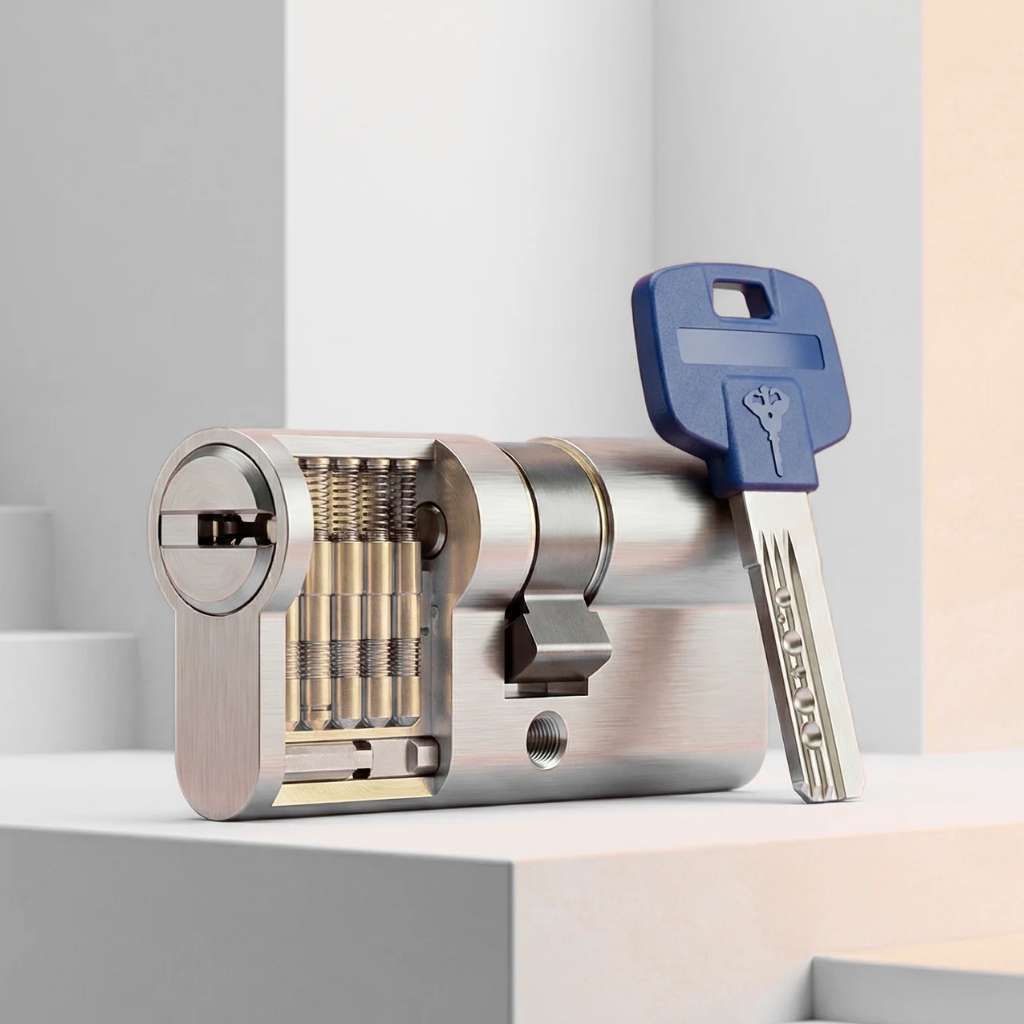
A deadbolt is simple mechanical hardware. No batteries, no app, no firmware. A grade 1 or grade 2 deadbolt, like a Schlage B60N or a Kwikset 980, will outlast almost any electronic lock on the market and costs less to buy and install.
The main weakness is not the lock body, it is usually the strike plate and the screws holding it to the frame. A $20 deadbolt with a 3-inch screw into the stud will outperform a $300 deadbolt with the stock half-inch screws that came in the box. If you are weighing options, our residential locksmith team can tell you on the spot whether your current deadbolt or your frame is the weak point.
What a smart lock actually gives you
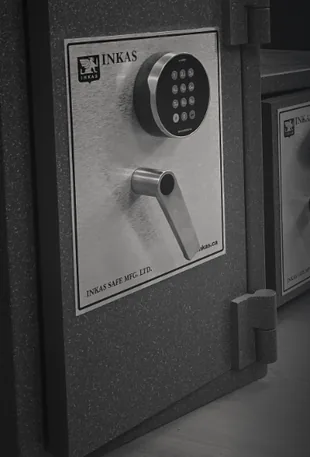
A smart lock adds keyless entry: a code, a phone app, a fob, or all three. That matters if you have kids who lose keys, a dog walker who needs access twice a day, or a rental suite where you want to change the code between tenants instead of rekeying.
- Keypad entry. Punch in a code, no key needed. Good for families and short-term rentals.
- Remote access. Lock or unlock from your phone, useful if you forget to check the door on your way to work.
- Activity log. See who came and went and when, handy for Airbnb hosts or elderly parents living alone.
- Auto-lock. The door locks itself after a set time, which fixes the "did I lock it" worry.
Batteries, power cuts and Vancouver's wet winters
Every smart lock runs on batteries, usually 4 AA batteries, and most last 6 to 12 months depending on how often the lock is used. Nearly all models give a low-battery warning through the app or a beep before they die, so you are not usually caught off guard.
Power outages are not actually the risk people assume, since the lock runs on its own batteries, not house power. The real risk around here is moisture. Coastal rain and condensation can creep into a poorly sealed keypad over a few winters and cause the buttons or circuit board to fail early. Look for a lock rated for exterior use (most major brands are) and keep the door well weatherstripped so water does not pool at the strike.
Buy a model with a physical key override cylinder, not an app-only lock. If the electronics die and you have no backup key slot, you are locked out with no way in except calling an emergency locksmith to force entry, which means replacing the whole unit afterward.
Retrofit smart locks vs full replacement
There are two kinds of smart lock, and the difference changes both price and install time.
- Retrofit, like the August Wi-Fi Smart Lock. Fits over your existing deadbolt from the inside. Keeps your current exterior keyway. Install takes about 20 to 30 minutes.
- Full replacement, like the Schlage Encode or Yale Assure Lock 2. Replaces the whole deadbolt, inside and out. Gives you a built-in keypad on the exterior face. Install takes 30 to 45 minutes.
Retrofit units are cheaper and faster to add but still rely on your old deadbolt's mechanical condition, so if that deadbolt is worn out, a retrofit lock on top of it will not fix the underlying problem.
Typical cost ranges
A standard grade 2 deadbolt, installed, typically runs $120 to $180 including labour. A grade 1 commercial-grade deadbolt runs a bit more, usually $150 to $220 installed.
Smart locks vary more by brand and features. A retrofit unit like August typically runs $250 to $350 installed. A full-replacement keypad deadbolt like Schlage Encode or Kwikset SmartCode typically runs $350 to $500 installed, including app setup and a walkthrough on how to add and remove codes. These are typical ranges, not quotes, since features (fingerprint, Wi-Fi vs Bluetooth-only, Z-Wave for home automation hubs) change the price of the hardware itself.
Which one actually fits your situation
- You rent or live in a strata unit. Check your strata bylaws before changing exterior hardware. Many buildings require a specific lock type or want the old one kept for move-out, and a landlord may require a key be left regardless of what electronic lock you add.
- You run a short-term rental. A keypad or app-based smart lock with per-guest codes saves you from meeting every guest to hand over a key.
- You have small kids or elderly parents. A keypad means nobody gets locked out because a key went missing, but make sure there is still a spare key somewhere in case the batteries die at a bad time.
- You want something that just works for 15 years with zero fuss. A quality deadbolt, properly installed with a reinforced strike plate, is still the lower-maintenance choice.
- You want both. Plenty of homeowners keep a deadbolt on a side or back door and put the smart lock on the main entry they use daily.
If you are not sure whether your door and frame can even support a heavier smart lock, or you want someone to compare a couple of models against your actual door before you buy anything, that is a quick in-person call rather than guesswork. Have the brand of lock you are considering ready, along with the door thickness and whether you want Wi-Fi or Bluetooth only, and reach out to Safe & Secure Locksmith to get it installed properly the first time.
Frequently asked questions
Are smart locks less secure than deadbolts?
Not inherently. A smart lock with a solid steel bolt and ANSI grade 1 or 2 rating is just as physically secure as a mechanical deadbolt. The security difference is usually about installation quality and strike plate screws, the same thing that affects a regular deadbolt.
Can I put a smart lock on any door?
Most doors work fine, but door thickness matters. Standard smart locks are built for doors between 1-3/8 and 1-3/4 inches thick, and older or custom doors sometimes fall outside that range, so measure before you buy.
What happens if the smart lock's battery dies while I'm out?
Nearly all smart locks have a physical key override, so a spare key gets you in just like a regular deadbolt. If you bought an app-only model with no key cylinder, you will need to force entry or call a locksmith, which is why that style is not worth the risk for a main door.